
Automate reconciliation, sync payments and spend, and trust that your data is always accurate.


Integration built for clarity and control


Receive and enter vendor invoices by email or drag and drop into BILL Accounts Payable and Accounts Receivable. Enter once, details sync automatically.

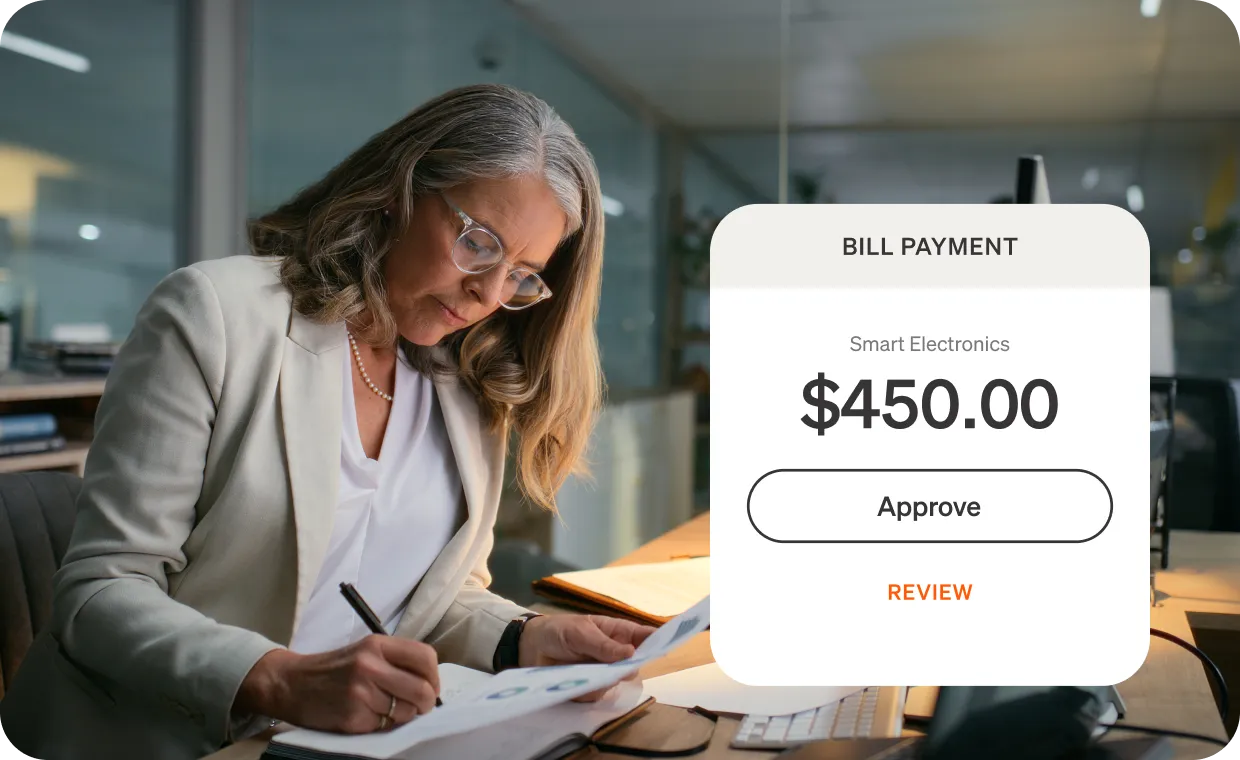
Approve payments anytime, anywhere with mobile access. Then pay vendors your way via ACH, check, card, or international payments.

Automate 2-and 3-way PO matching in QuickBooks Desktop.* Get alerts on mismatches to help reduce errors and improve accuracy.


Power your financial workflows with industry-leading integration
With BILL Accounts Payable and Accounts Receivable synced to QuickBooks Online or Desktop,* you can approve, track, and pay with ease—giving you clarity and confidence in your workflows.
Here’s what syncs
From Quickbooks online to BILL accounts payable and BILL accounts receivable.
From Quickbooks Online to BILL
Accounts
Items
Departments (called Classes in QB)
Book Balance (so BILL can project cash flow)
Item Receipt details
Customers
Invoices
Vendor Jobs
Purchase Orders
From BILL to QuickBooks Online
Accounts
Vendors
Bill Payments
Fund Transfers
Invoices
Linked Purcahse Orders
Classes
Vendor Credits
Invoice payments
Real-time spend meets real-time books
Get started fast with no extra integration fees. Sync BILL Spend & Expense with QuickBooks Online or Desktop to automate data flow for accurate, seamless spend management
*QuickBooks Desktop sync works with QuickBooks Pro, QuickBooks Premier, and QuickBooks Enterprise.

What our customers are saying
“We love to recommend BILL Spend & Expense to clients who struggle to organize receipt capture. The QuickBooks Online integration has been key. This helps our accounting team with month end reconciliation and can speed up the delivery of our financials.”
Streamline payables, receivables, and spend. Simplify your workflows without sacrificing accuracy. Schedule a demo to see BILL and QuickBooks in action.

a payment?
To accept this invitation, please use the link below.


a payment?
To accept this invitation, please use the link below.
a payment?
To accept this invitation, please use the link below.
a payment?
To accept this invitation, please use the link below.
a payment?
To accept this invitation, please use the link below.