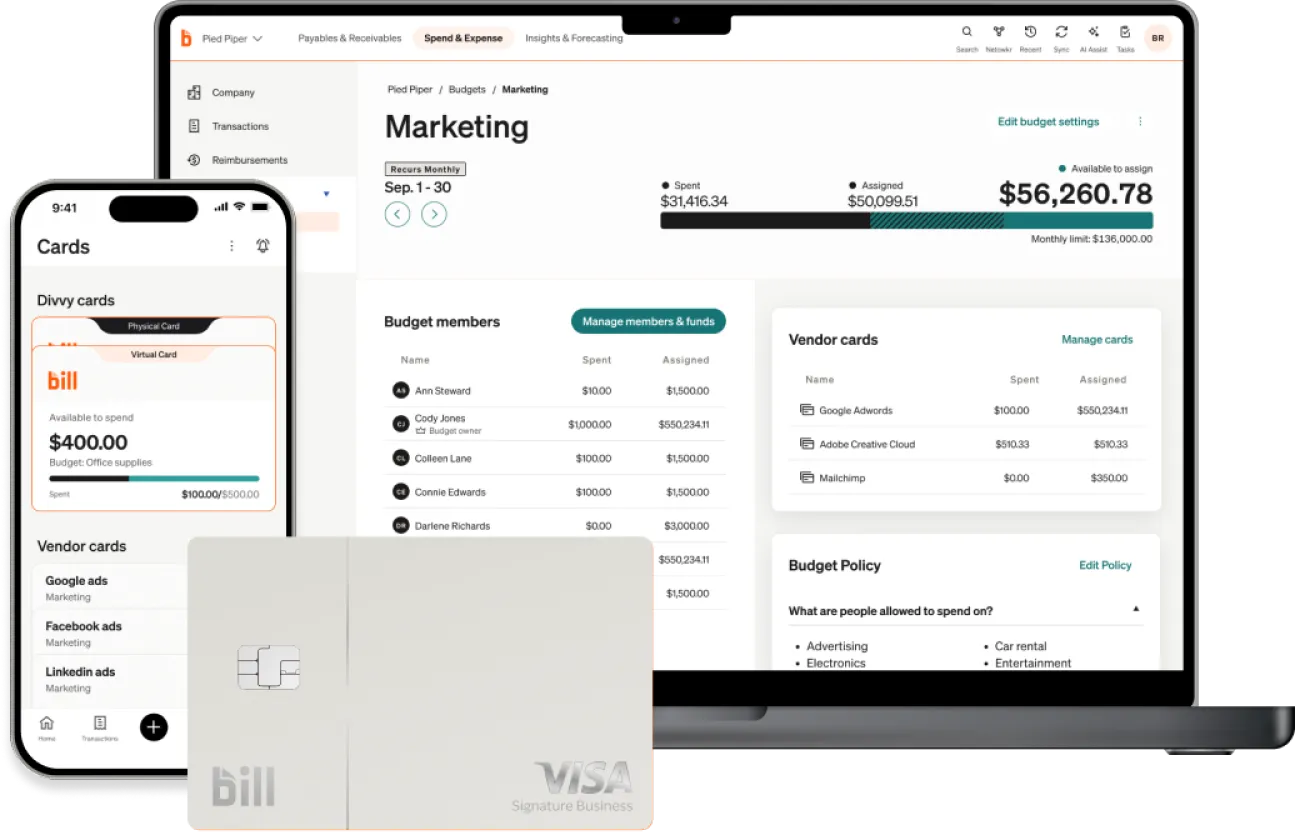
Whether you want to see spending happening right now or review how much money you spent last year on flights, BILL has you covered. BILL Spend & Expense tracks and reports on spend so you can make sure you’re spending according to your plan and policy.
a payment?
To accept this invitation, please use the link below.


a payment?
To accept this invitation, please use the link below.
a payment?
To accept this invitation, please use the link below.
a payment?
To accept this invitation, please use the link below.
a payment?
To accept this invitation, please use the link below.
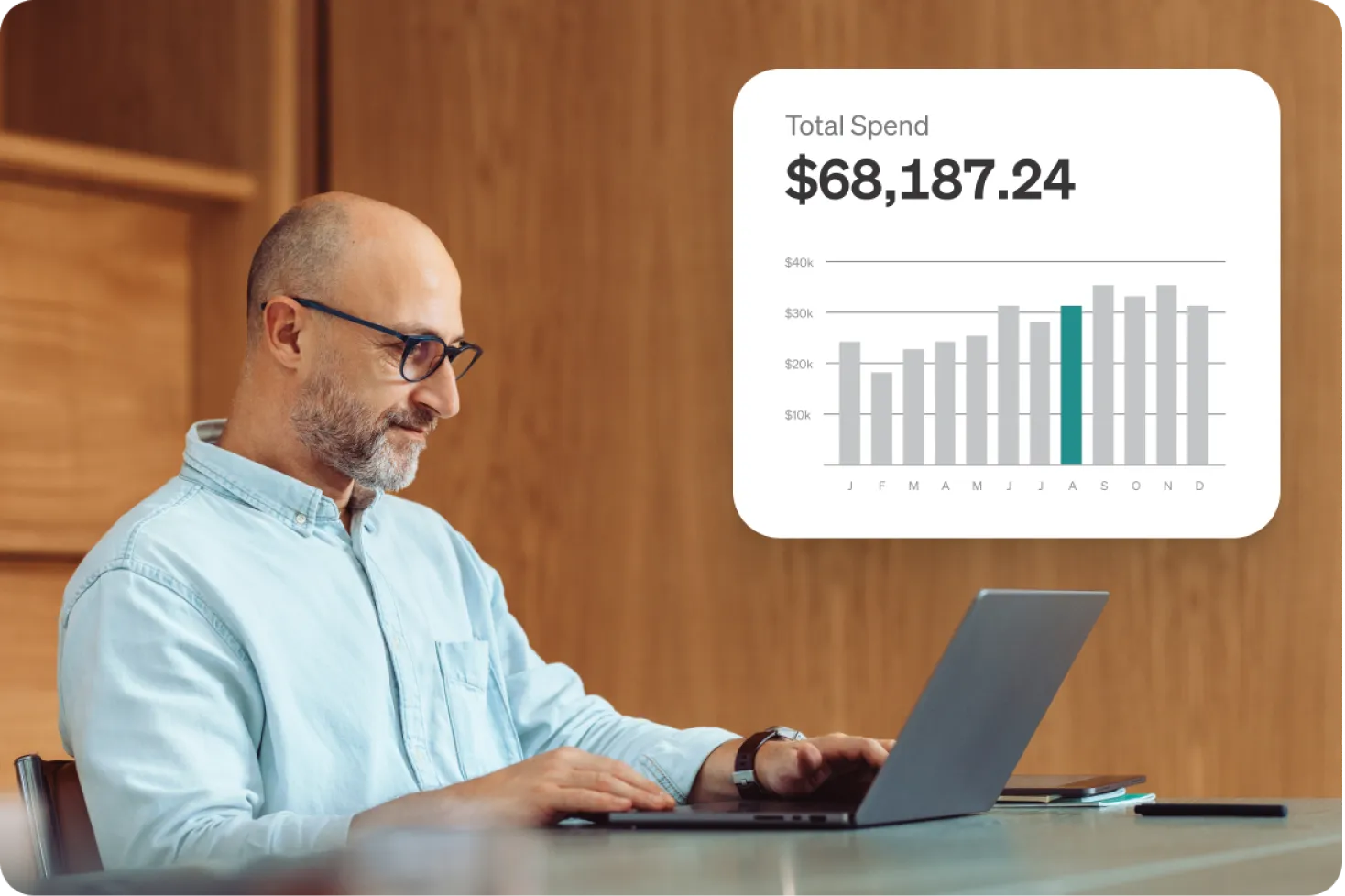
With instant tracking of what’s being spent every time a card is swiped, you can catch abnormalities and keep your teams accountable by drilling down into spending by department, team, project, or individual budget.
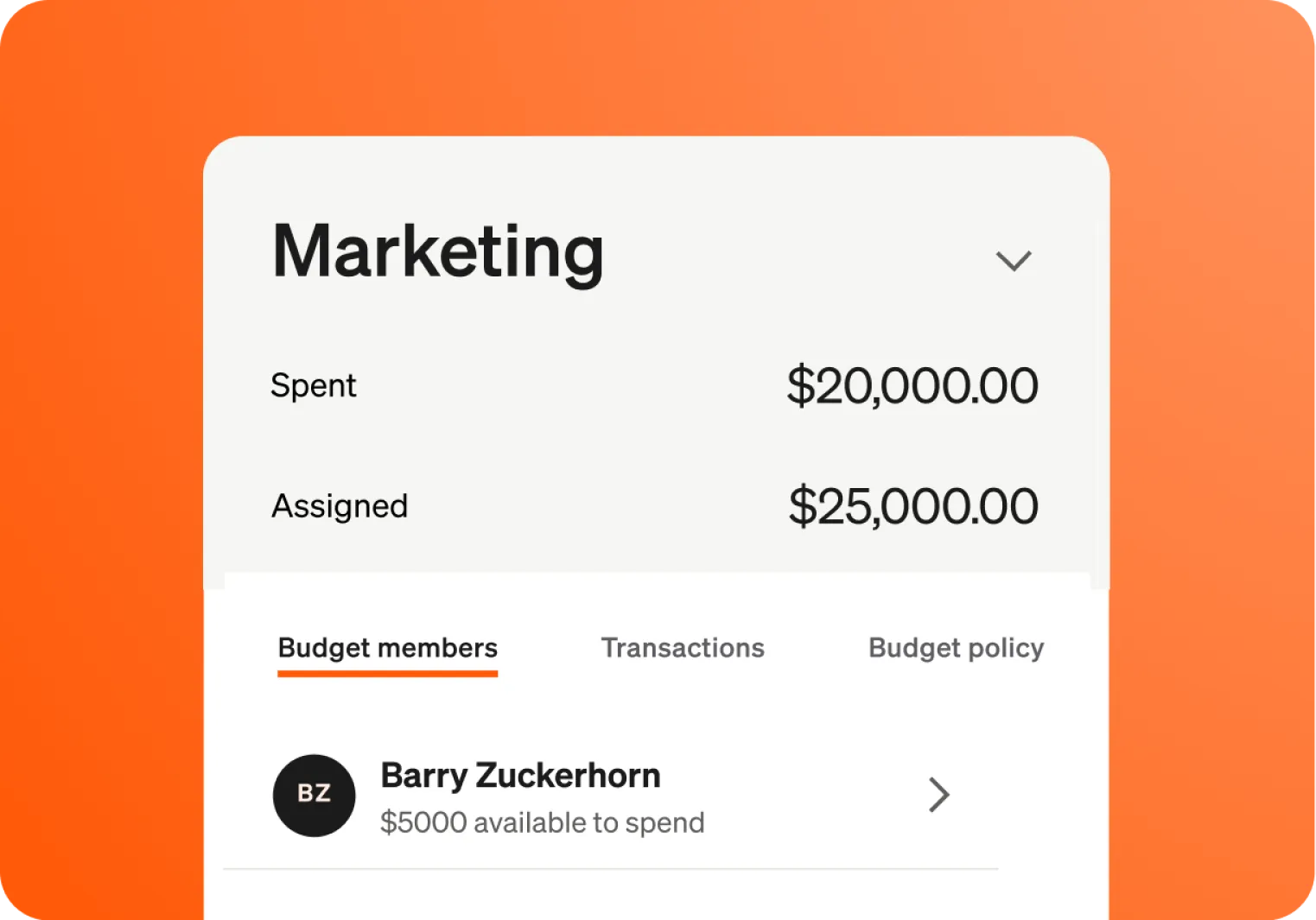
Review spend from previous months across any budget. Easily toggle between past, current, and future months. BILL Spend & Expense will show you what’s forecasted for future months so you can make needed adjustments, preemptively prepare for spend, and keep your teams accountable and efficient.
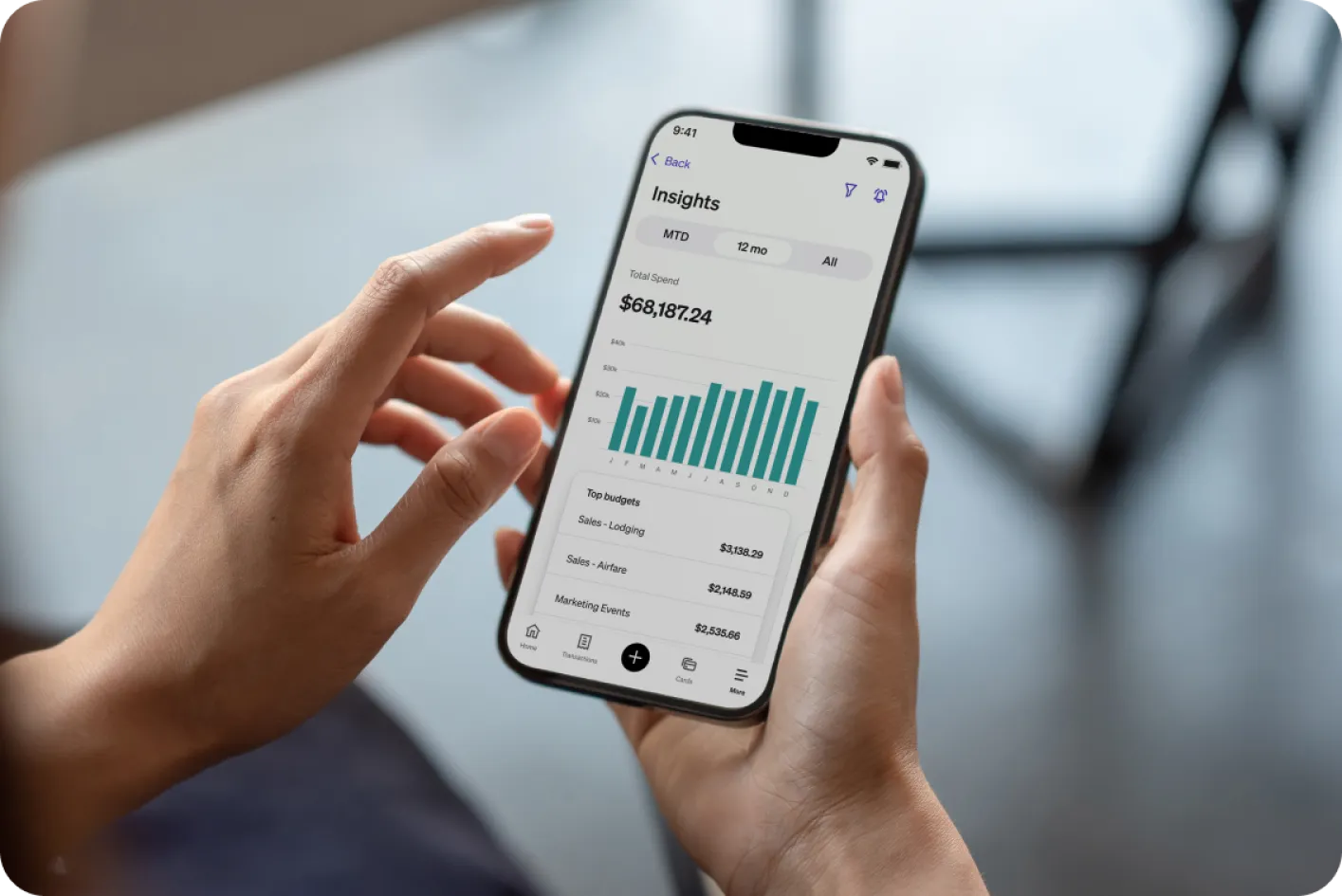

To make it easier to manipulate and work with your data, you can download the information you work with every day. See the simple view within BILL Spend & Expense, or download your data to build the insights you need to start spending smarter.

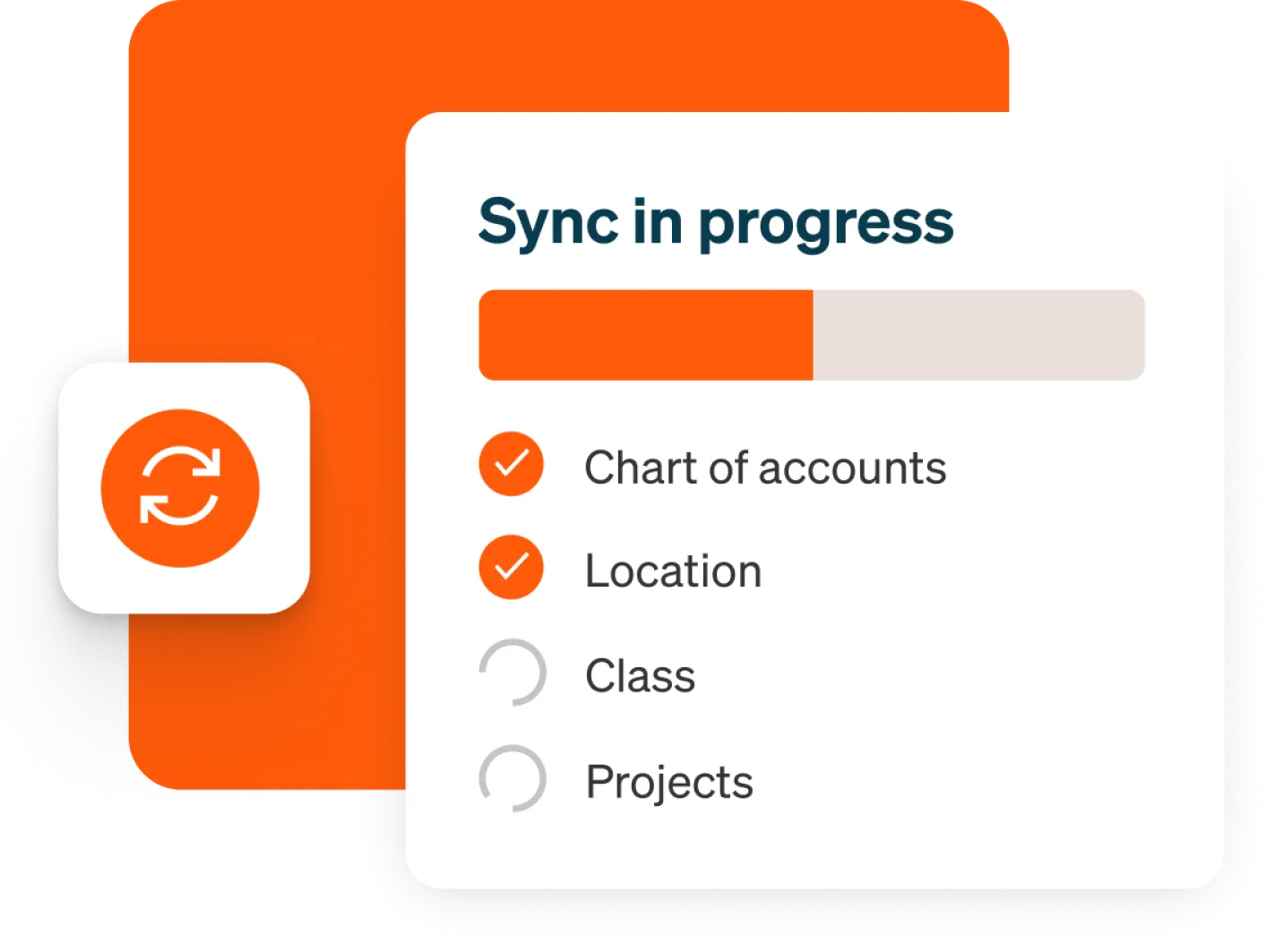
BILL's integrations are customized to absorb your chart of accounts. This means fully synced, detailed journal entries and high-fidelity data for financial reporting.

Frequently asked questions
To streamline business expense reporting, move away from manual spreadsheets and email approvals to a centralized expense reporting system. With BILL Spend & Expense, employees capture receipts on the go, categorize expenses automatically with AI, and submit everything through one workflow, while finance teams review, approve, and reimburse from a single dashboard instead of chasing down paper or end‑of‑month reports.
To streamline business expense reporting, move away from manual spreadsheets and email approvals to a centralized expense reporting system. With BILL Spend & Expense, employees capture receipts on the go, categorize expenses automatically with AI, and submit everything through one workflow, while finance teams review, approve, and reimburse from a single dashboard instead of chasing down paper or end‑of‑month reports.
BILL Spend & Expense provides real-time visibility into spending as it happens and allows you to review historical spend data, such as how much you spent last year on flights, to ensure you're spending according to your plan and policy.
BILL Spend & Expense provides real-time visibility into spending as it happens and allows you to review historical spend data, such as how much you spent last year on flights, to ensure you're spending according to your plan and policy.
Yes, you can drill down into spending by department, team, project, person, or individual budget to catch abnormalities and keep your teams accountable.
Yes, you can drill down into spending by department, team, project, person, or individual budget to catch abnormalities and keep your teams accountable.
You can customize reporting in BILL by using filters, views, and exports across your AP, AR, and Spend & Expense data so reports match the way your business actually operates—not just a static template.
With BILL Reporting & Insights, you can:
- Filter and group data by date range, vendor, customer, department, category, budget, card, or user to answer specific questions (for example, spend by team this quarter or payments by vendor).
- Track real-time spend vs. plan, using budgets and reporting to see how actuals compare to budget mid‑period instead of waiting until month‑end.
- Drill into audit trails for any transaction to see who submitted, edited, and approved it and when, giving you configurable detail for audits and internal controls.
- Create exception-style views for policy violations (like missing receipts or out‑of‑policy spend) so reviewers can focus on outliers instead of scanning every line item.
Export or sync reports into your accounting/ERP systems (QuickBooks, Xero, NetSuite, Sage Intacct, Microsoft Dynamics) or business intelligence (BI) tools, keeping your customized BILL views aligned with your broader financial reporting.
You can customize reporting in BILL by using filters, views, and exports across your AP, AR, and Spend & Expense data so reports match the way your business actually operates—not just a static template.
With BILL Reporting & Insights, you can:
- Filter and group data by date range, vendor, customer, department, category, budget, card, or user to answer specific questions (for example, spend by team this quarter or payments by vendor).
- Track real-time spend vs. plan, using budgets and reporting to see how actuals compare to budget mid‑period instead of waiting until month‑end.
- Drill into audit trails for any transaction to see who submitted, edited, and approved it and when, giving you configurable detail for audits and internal controls.
- Create exception-style views for policy violations (like missing receipts or out‑of‑policy spend) so reviewers can focus on outliers instead of scanning every line item.
Export or sync reports into your accounting/ERP systems (QuickBooks, Xero, NetSuite, Sage Intacct, Microsoft Dynamics) or business intelligence (BI) tools, keeping your customized BILL views aligned with your broader financial reporting.
Yes. BILL can generate exception reports that highlight policy violations, such as missing receipts, out‑of‑policy spend, and overspend against limits. Finance teams can quickly filter and review these exceptions, follow up with employees, and adjust policies—making it easier to enforce your spend rules without manually scanning every line item.
Yes. BILL can generate exception reports that highlight policy violations, such as missing receipts, out‑of‑policy spend, and overspend against limits. Finance teams can quickly filter and review these exceptions, follow up with employees, and adjust policies—making it easier to enforce your spend rules without manually scanning every line item.
Yes, BILL's integrations are customized to absorb your chart of accounts, providing fully synced, detailed journal entries and high-fidelity data for financial reporting.
BILL offers deep integrations with leading accounting and ERP tools, and also supports flexible exports, so general ledger (GL) accounts, classes, and other coding carry over cleanly. That means you can build reports in BILL, then sync or export them to QuickBooks, Xero, NetSuite, Sage Intacct, and other systems with minimal manual work.
Yes, BILL's integrations are customized to absorb your chart of accounts, providing fully synced, detailed journal entries and high-fidelity data for financial reporting.
BILL offers deep integrations with leading accounting and ERP tools, and also supports flexible exports, so general ledger (GL) accounts, classes, and other coding carry over cleanly. That means you can build reports in BILL, then sync or export them to QuickBooks, Xero, NetSuite, Sage Intacct, and other systems with minimal manual work.
Yes, the BILL Spend & Expense mobile app provides company, budget, and individual spend views, keeping you and your employees on top of spending in real time, wherever you are.
Yes, the BILL Spend & Expense mobile app provides company, budget, and individual spend views, keeping you and your employees on top of spending in real time, wherever you are.
Just fill out the form and we’ll have someone from our team reach out shortly, to help you get started.